
Capture & measure
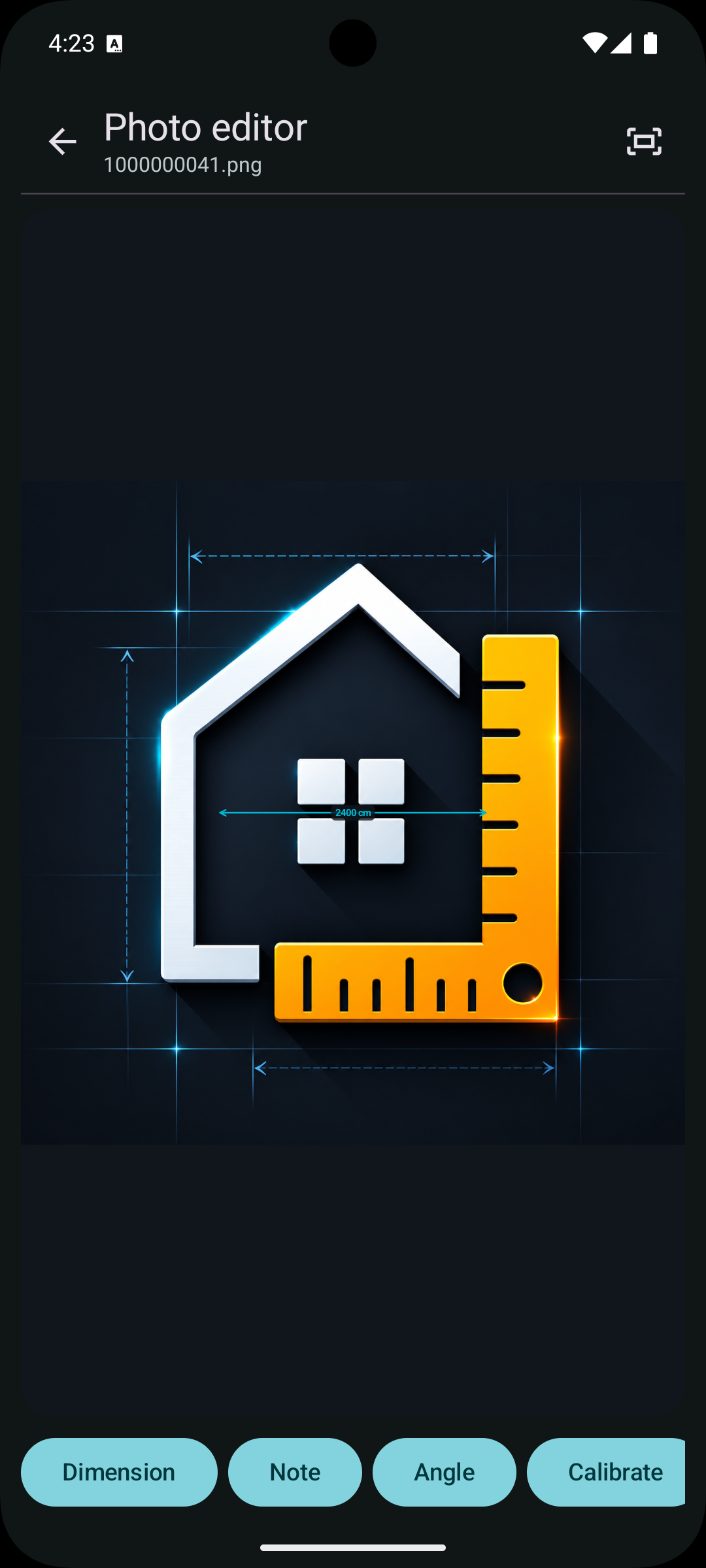
Import photos and place clear manual dimensions over the parts you need to document.
Photo measurements for real-world work
DimNote turns photos into clear, editable records. Add dimensions, notes, angles, and calibration references while keeping projects easy to find.
Designed for Android · View on Google Play
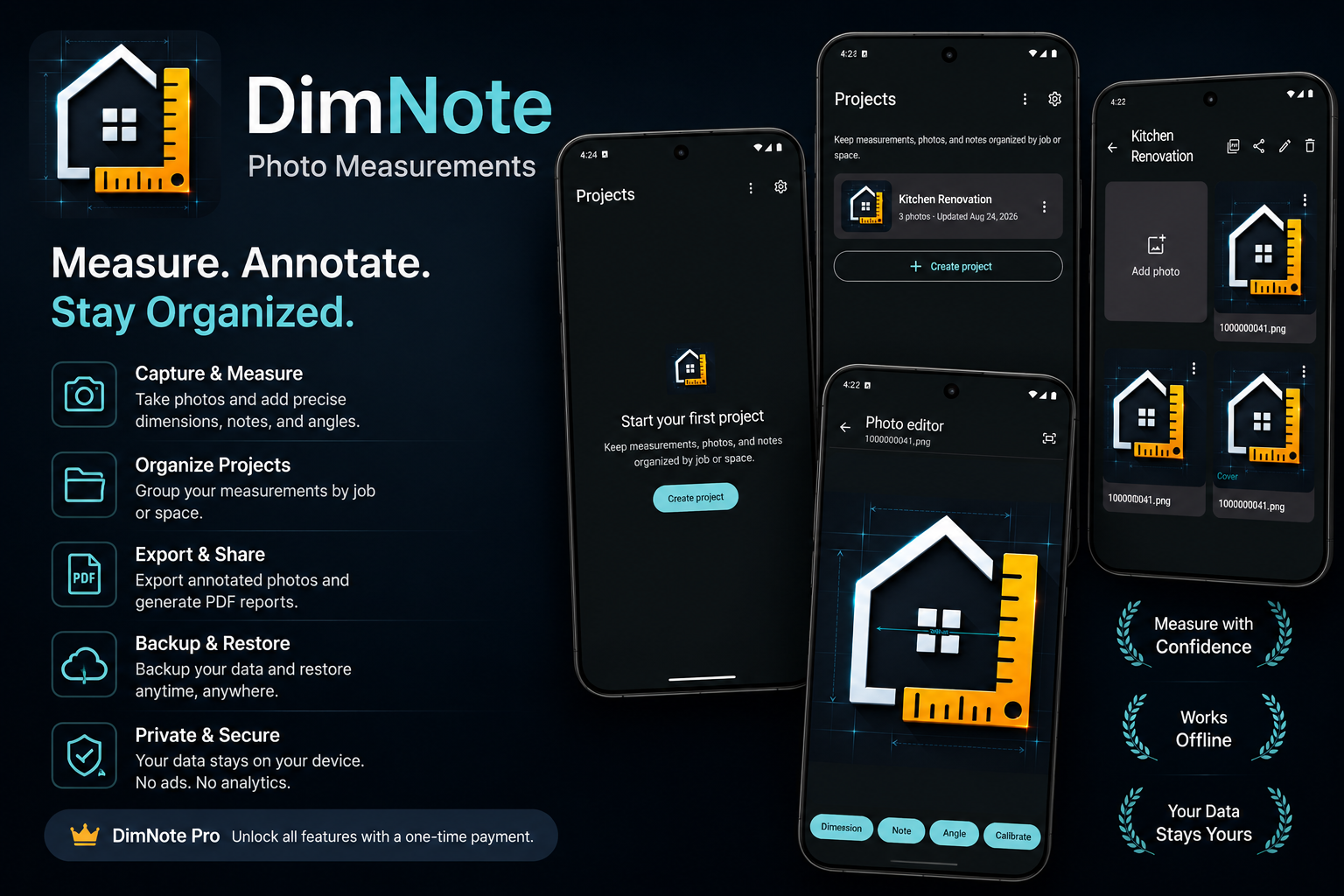
A focused toolkit
DimNote keeps the workflow simple: capture a photo, mark what matters, and export a record you can use later.
Import photos and place clear manual dimensions over the parts you need to document.
Add context with notes, record angles, and use a known reference to estimate dimensions.
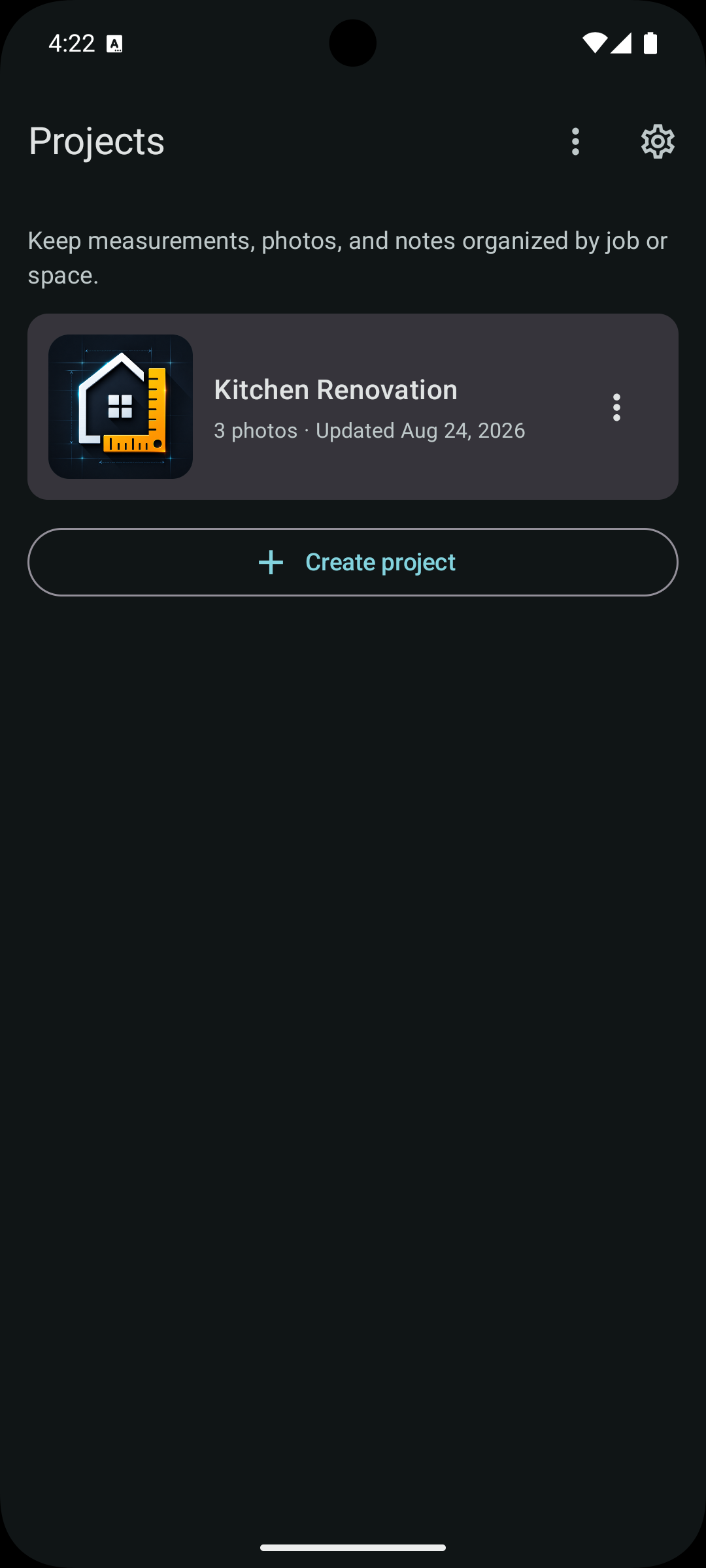
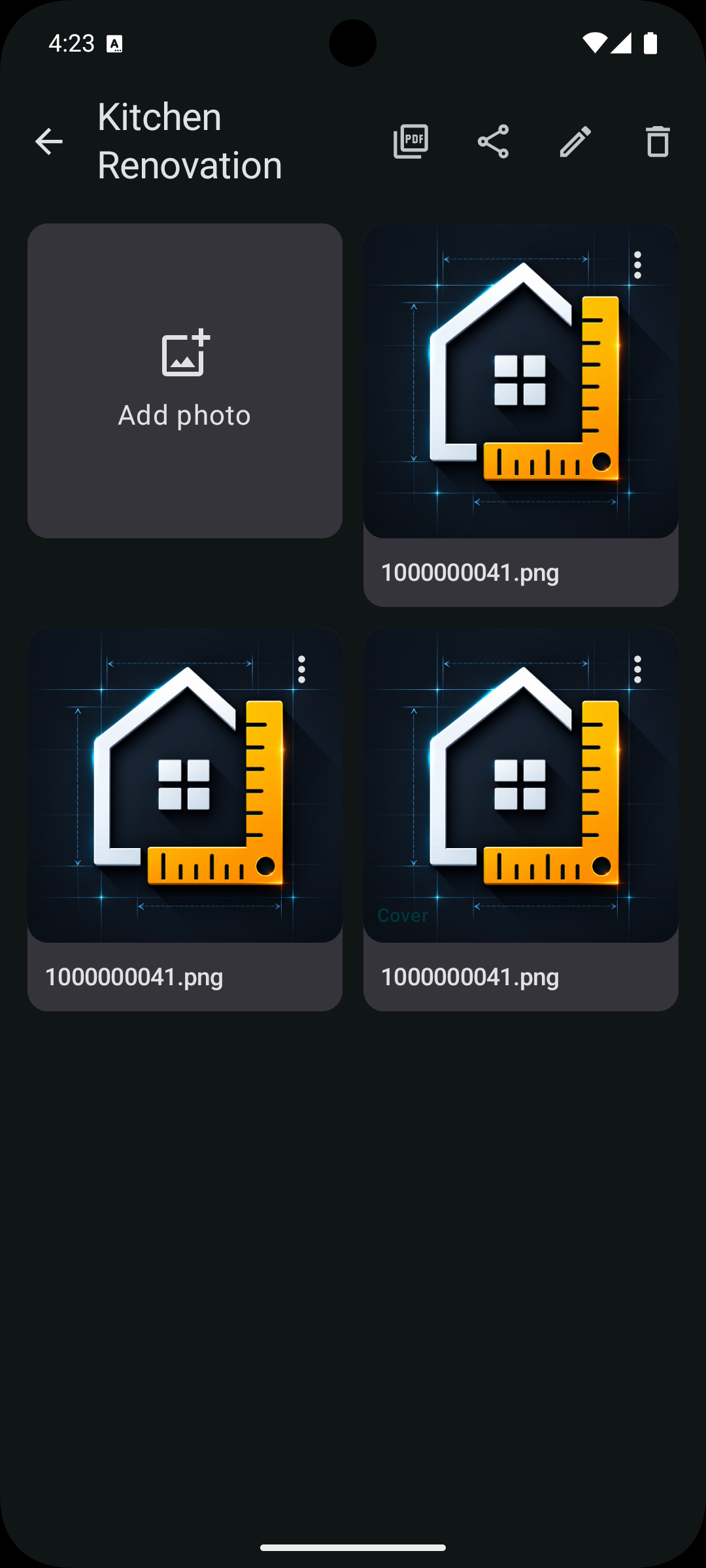
Group photos, annotations, and measurements by job or space so every detail has a home.
Export annotated images and create PDF reports through Android destinations you choose.
Create a manual project backup when the feature is available to your account, and restore it later.
Your ordinary project data stays in app-private storage. DimNote has no ads or behavioral tracking.
A clear visual workflow
See how DimNote keeps the overview, photo library, and measurement editor connected.
Your data stays yours
DimNote does not operate a cloud account or analytics backend. Android and Google Play platform processing is explained in the complete policy.